How SDMS Manages Raw Instrument Data and Improves Data Traceability
 Request a Demo
 Download Brochure
How SDMS Manages Raw Instrument Data and Improves Data Traceability
Every result a laboratory reports starts as raw instrument data. A chromatogram, spectrum, balance reading, or analyzer output is the original evidence, and everything that follows, from calculations to certificates of analysis, depends on it. When that evidence is difficult to find, easy to alter, or stored only on a single workstation, the lab carries risks that careful analysis alone cannot remove. A Scientific Data Management System (SDMS) software addresses this by controlling how raw files are captured, stored, described, and retrieved.
This blog explains how an SDMS software manages the full lifecycle of raw instrument data and why that lifecycle is the foundation of data traceability in laboratories. It covers how data moves from the instrument to secure storage, how it is tracked throughout its lifecycle, and how laboratories can maintain a reliable record of every result.
How SDMS Manages Raw Instrument Data
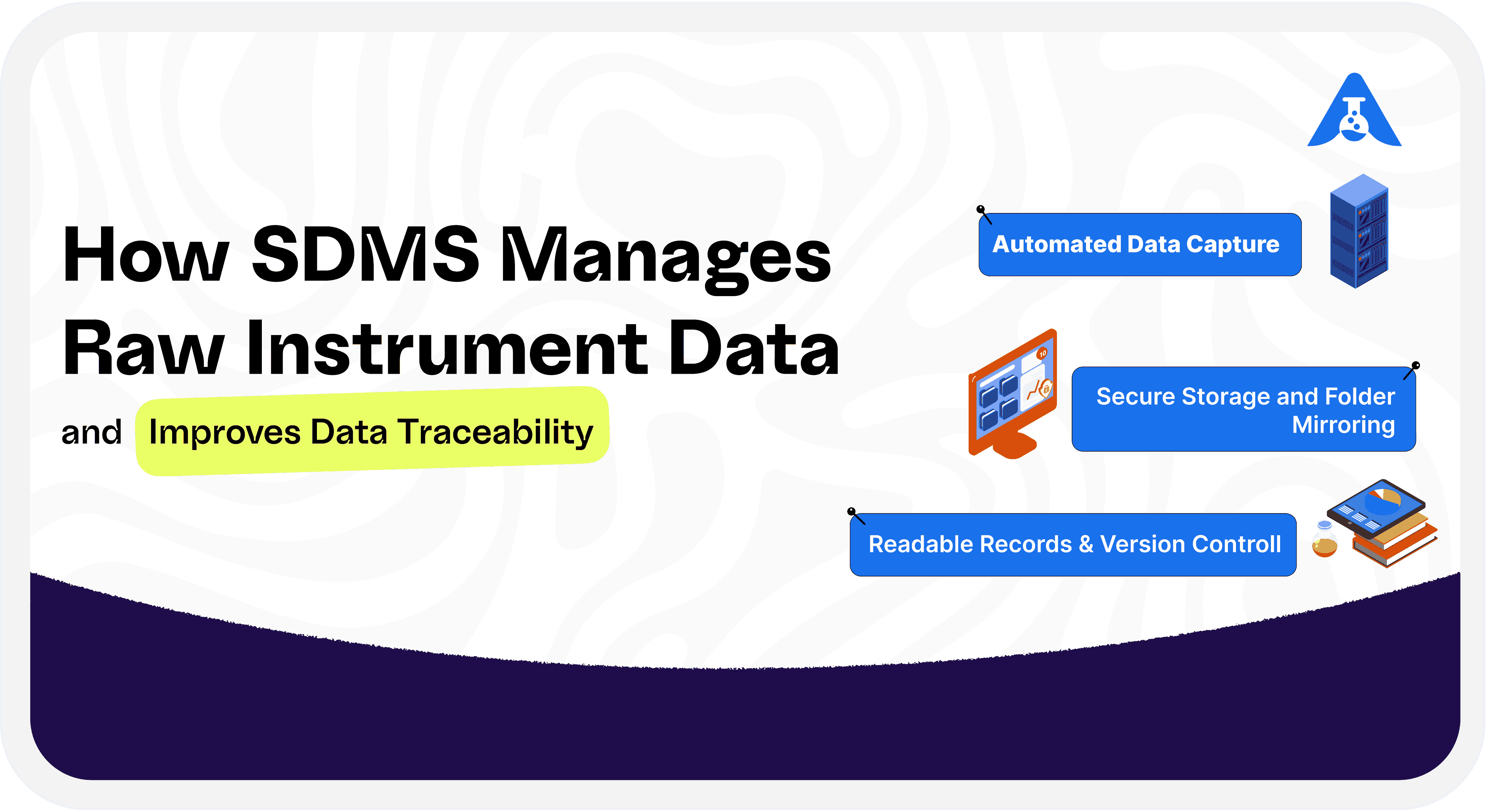
Automated Data Capture
An analyst should not have to remember to copy every file after an instrument run. When data is left on individual workstations or moved manually between folders, files can be missed, delayed, or stored without the right context. Logilab SDMS addresses this by automatically capturing raw instrument data as it is generated, reducing manual handling and data silos across the laboratory.
For PC-based instruments, Logilab SDMS automatically sweeps local folders and captures proprietary files, images, spreadsheets, and reports without file size restrictions. Standalone instruments can connect through RS232, TCP/IP, and analog ports. Automated, time-stamped capture ensures the record exists from the point of generation, supporting the contemporaneous principle of ALCOA+ and reducing the risk of data being lost or altered before it is secured.
Secure Storage and Folder Mirroring
Capturing raw instrument data is only useful if the files can be stored securely without losing the context in which they were created. With Logilab SDMS, instrument files are transferred through FTP, SFTP, or cloud storage, while associated metadata is indexed in a central SQL database. This keeps the original files intact while making the information around them easier to search and retrieve.
To make retrieval familiar, Logilab SDMS also mirrors the original folder structure from the instrument PC on the central server. Analysts can follow the same folder logic they already use on the instrument, instead of learning a completely new filing system. For laboratories managing data across multiple sites, this makes data retrieval more consistent and reduces the risk of files being misplaced.
Readable Records and Version Control
What happens when an instrument file can no longer be opened because the original software is outdated or unavailable? Logilab SDMS addresses this by automatically creating human-readable PDF copies through a virtual printer while preserving the original raw files. This allows analysts and reviewers to view records through a browser without relying on the instrument software, while keeping the original data available when needed.
The system also maintains automatic versioning, complete version history, and time-stamped file locking. If a file is changed, its earlier version remains available for review or restoration. Users can retrieve previous versions and reconstruct the original folder structure when required, supporting data traceability, disaster recovery, and audit readiness.
Read how Logilab SDMS simplifies instrument integration and automates QC data capture for a biopharma organization.
How SDMS Improves Data Traceability & Integrity
Metadata Tagging and Search
Finding a file months after it was created can be harder than generating the data in the first place. Logilab SDMS adds metadata to raw instrument files before or after capture, using details such as project, sample ID, batch ID, and test method. This gives each record context and makes it easier to organize data according to the way the laboratory works.
Instead of searching through folders one by one, analysts can search by filename, user-defined tags, or parsed instrument parameters. A request such as “show all runs for this batch using this method” can be answered through a search rather than hours of manual file browsing. This makes investigations, batch reviews, and routine data retrieval faster while keeping the relationship between the instrument data and its associated records clear.
Dynamic Data Parsing
A reported result is only as traceable as its connection to the raw data behind it. Logilab SDMS uses a web-based parser to extract structured values, such as chromatogram peak tables and result data, from TXT, CSV, and PDF outputs while keeping those values linked to the original raw file. The parsed data can also be shared with other systems through REST APIs, so information does not have to be manually copied between applications.
For example, when parsed values move into Qualis LIMS, users can trace a reported result back to the source file that generated it. When Logilab ELN references verified raw data, the experiment remains connected to its original evidence. This creates a continuous data trail from the instrument output to the final result, rather than leaving each system with a separate, disconnected record.
Audit Trails and Access Control
When a file is questioned during an investigation or audit, the laboratory needs more than the file itself. It needs to know who accessed it, what changed, and when it happened. Logilab SDMS records activities such as uploads, downloads, version restores, metadata edits, permission changes, service state changes, and communication errors in a built-in audit trail, creating a documented history for each record.
Access is controlled through role-based permissions and Active Directory authentication, limiting actions such as viewing, editing, and deleting according to user roles. Where formal review is required, electronic signature and approval workflows add another layer of control. Together, these controls help laboratories maintain clear accountability and demonstrate who performed each action on the data.
ALCOA+ and Regulatory Compliance
For regulated laboratories, data must remain attributable, legible, contemporaneous, original, accurate, and complete throughout its lifecycle. The controls in Logilab SDMS support these ALCOA+ principles through automated data capture, human-readable PDF copies, preserved raw files, audit trails, checksum validation, and role-based access tied to unique user identities. These capabilities also support requirements associated with FDA 21 CFR Part 11 and EU Annex 11, helping laboratories maintain trustworthy electronic records.
Older instruments can create a particular challenge when they were not designed with modern compliance requirements in mind. CFR Gateway provides a compliance layer for legacy standalone GxP instruments, supporting Part 11 requirements for electronic records and signatures without requiring laboratories to replace equipment that is still in use.
Conclusion
A laboratory result is only as defensible as the data behind it. When raw files are scattered across instruments, folders, and systems, tracing a reported result back to its source can quickly become a manual investigation. An SDMS software changes that by keeping the trail connected from the moment data is generated to the point where it is reviewed, reported, or audited. With Logilab SDMS, laboratories can build that traceability into their everyday workflows while working alongside their existing instruments, LIMS, ELN, and compliance systems.
What would change if your lab’s data was captured, organized, connected, and ready whenever your team needed it, without the usual manual effort? Find out what that could look like in your laboratory with a personalized SDMS demo today!
- How SDMS Manages Raw Instrument Data and Improves Data Traceability
- How SDMS Manages Raw Instrument Data
- Automated Data Capture
- Secure Storage and Folder Mirroring
- Readable Records and Version Control
- How SDMS Improves Data Traceability & Integrity
- Metadata Tagging and Search
- Dynamic Data Parsing
- Audit Trails and Access Control
- ALCOA+ and Regulatory Compliance
- Conclusion