How to Choose the Right Instrument Integration Solution: An SDMS Checklist
 Request a Demo
 Download Brochure
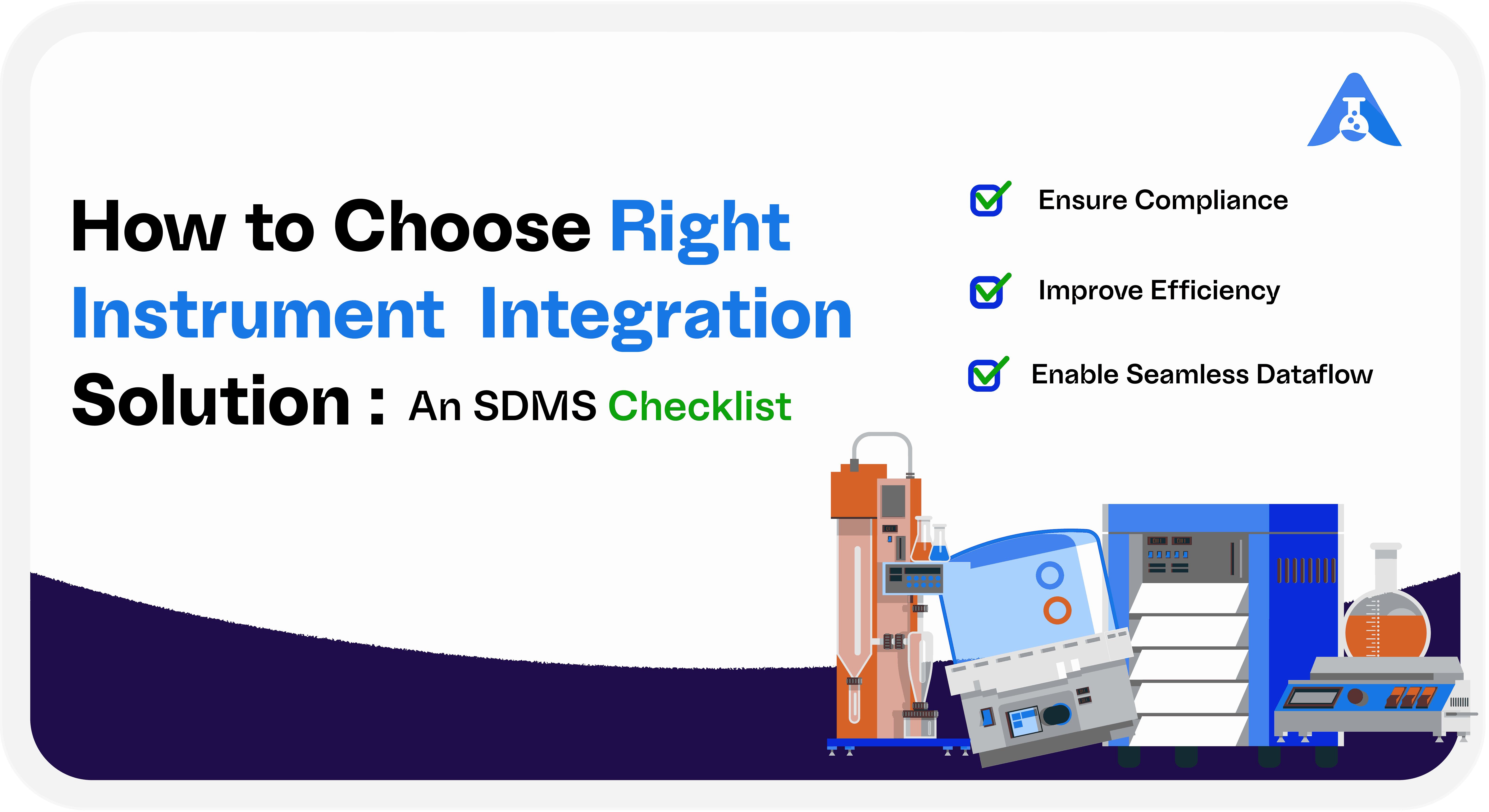
An SDMS can look like the answer to every laboratory data problem on paper. The real test begins when it meets the laboratory itself. What happens when an instrument cannot connect, a legacy system is not supported, a critical file format cannot be captured, or the compliance workflow does not match the way the lab operates? These gaps may not appear in a product brochure, but they can become expensive once the system is in place.
The right SDMS software should fit the laboratory rather than force the laboratory to adapt around it. This guide breaks down the key areas to evaluate, including instrument connectivity, automated data capture, data integrity, compliance, security, scalability, integration, and cost, so the final choice is based on real laboratory requirements and not just a feature list.
SDMS Selection Checklist: Key Instrument Integration Features to Evaluate
Instrument Connectivity and Compatibility
Instrument connectivity should be one of the first things to evaluate when selecting an SDMS. A system may offer strong data management and compliance features, but those benefits mean little if it cannot reliably capture data from the instruments already used in the laboratory.
Before comparing vendors, ask these questions:
- Which instrument types are supported? Can the SDMS connect to PC-based instruments, standalone devices, clinical analyzers, and chromatography data systems?
- What connectivity methods are available? Does the platform support folder capture, RS232, TCP/IP, analog connections, SDKs, and APIs?
- Can it support the actual instruments in the laboratory? Ask vendors to confirm compatibility with specific instrument models and software versions, not just general instrument categories.
- How is data capture automated? Check whether files and instrument outputs can be captured without manual transfers or intervention.
Logilab SDMS supports PC-based folder capture, standalone instruments through hardware converters, clinical analyzers through Agaram Technologies’ Interfacer, and chromatography data through SDK and REST API integrations. This gives laboratories a practical benchmark when evaluating instrument connectivity across SDMS platforms.
Data Ingestion and Readable Outputs
Reliable ingestion is just as important as instrument connectivity. The SDMS should capture different types of scientific data without creating manual work for analysts, while keeping records accessible for review.
Before comparing vendors, ask these questions:
- What file types and sizes are supported? Can the system handle proprietary binary files, spreadsheets, images, and text reports without format or size restrictions?
- How is data captured? Look for automated schedulers, folder monitoring, parallel uploads, and streaming support for port-based data.
- Are readable copies available? Check whether the system can generate human-readable versions of proprietary files for review and long-term access.
- Can raw and readable records be retained together? This helps preserve the original evidence while making records easier to review.
Logilab SDMS supports automated data capture and can generate human-readable PDF copies through a virtual printer, allowing raw instrument files and readable records to be maintained together for easier review and retrieval.
Storage, Lifecycle, and Folder Mirroring
Once data is captured, the SDMS should protect it throughout its lifecycle while keeping it easy to find and review. Before comparing vendors, ask these questions:
- How is the original folder structure preserved? Check whether the system mirrors instrument directories in the central repository and supports secure FTP or SFTP transfer.
- How are files and metadata stored? Understand whether raw files can be archived in secure SFTP or cloud storage while associated metadata is indexed in a central database.
- How does version control work? Look for automatic versioning, complete file histories, and rollback to earlier versions.
- Can files be viewed without instrument software? Check whether common formats such as PDF, CSV, TXT, and TIFF can be viewed directly in a browser.
Logilab SDMS supports folder mirroring, secure file transfer, version history, rollback, and browser-based viewing of common file formats, providing a practical benchmark when evaluating laboratory data management software.
Metadata, Search, and Parsing
Centralized storage is only useful when laboratory data can be found quickly and the information inside files can be used. Before comparing vendors, ask these questions:
- How is metadata managed? Can users add custom tags such as project, sample ID, test method, and batch number?
- How powerful is the search? Can users search by filename, metadata, and extracted values across sites and repositories?
- Can the system parse instrument data? Check whether structured values can be extracted from formats such as text, CSV, and PDF files.
- Can parsed data be reused? Ask whether extracted values can be accessed by other laboratory systems instead of remaining locked inside the original file.
Logilab SDMS provides metadata tagging, hierarchical views, a web-based parser, and flexible search capabilities, allowing laboratories to organize, find, and make greater use of their scientific data.
Regulatory Compliance and Data Integrity
For GxP-regulated laboratories, an SDMS should help maintain secure, traceable, and audit-ready scientific records throughout their retention lifecycle. Before comparing vendors, consider these key questions:
- Does it support global regulatory standards? Check for controls supporting FDA 21 CFR Part 11, EU Annex 11, cGMP, GLP, and ALCOA+ principles.
- Does it provide comprehensive audit trails? Verify automatic tracking of file transfers, version restores, metadata edits, access changes, and system events.
- Does it offer secure access controls and electronic signatures? Look for granular RBAC, Active Directory SSO, and configurable electronic signature workflows.
- Can it support compliance for legacy instruments? Check whether the SDMS can securely capture and manage data from legacy standalone GxP instruments without requiring hardware replacement.
Logilab SDMS enforces ALCOA+ principles, FDA 21 CFR Part 11, and EU Annex 11 through automated data capture, human-readable PDF rendering, a 100% comprehensive audit trail, and granular RBAC with e-signatures, while utilizing the CFR Gateway module to bring legacy standalone GxP equipment into full regulatory alignment.
Integration With LIMS and ELN
An SDMS should connect laboratory data with the systems that use it, rather than becoming another isolated repository. Before comparing vendors, ask these questions:
- What integration options are available? Check whether the SDMS provides REST APIs, connectors, or other integration methods.
- Can parsed data flow into other systems? Confirm whether structured instrument values can be transferred to LIMS, ELN, MES, ERP, or platforms such as SAP.
- Can raw data remain traceable? Ask whether results transferred to downstream systems can still be linked back to the original instrument file.
Logilab SDMS integrates with Qualis LIMS and Logilab ELN and provides REST APIs for sharing structured data with downstream laboratory and enterprise systems.
Architecture, Hosting, and Scalability
An SDMS should support the laboratory not only today, but as instruments, users, data volumes, and sites increase. Before comparing vendors, ask these questions:
- What deployment options are available? Check for cloud, on-premises, customer-owned cloud, and vendor-managed hosting.
- How is availability and recovery handled? Ask about geo-redundancy, failover, automated backups, and file integrity checks such as checksum validation.
- Can the system scale across sites? Check whether multiple laboratories can operate through a single instance with appropriate data access controls.
- Does it support global operations? For multi-region organizations, check multilingual capabilities, double-byte character support, and localized time zones.
Logilab SDMS runs on a high-availability, service-oriented architecture with a multi-tenant cloud option, letting one platform serve multiple lab sites with separate data and access controls, giving laboratories flexibility as their infrastructure and data management requirements evolve.
Licensing, Validation, and Total Cost
The license price is only part of the investment. Before comparing vendors, look at the full cost of implementation, validation, training, hosting, support, and future expansion.
Ask these questions:
- How is the software licensed? Is pricing based on connected instruments, users, or another model? Are perpetual and SaaS options available?
- What validation support is provided? Ask whether the vendor provides IQ, OQ, and PQ templates or other validation documentation for regulated environments.
- What is included after implementation? Clarify costs for upgrades, support, training, additional instruments, and future expansion.
Logilab SDMS offers SaaS licensing options with on-premises, customer-owned cloud, and Agaram-hosted cloud deployments. Its validation support can also help laboratories reduce the effort involved in qualification and deployment.
Conclusion
Choosing an SDMS should come down to more than features, pricing, or a polished vendor presentation. The right platform needs to work with the instruments, data, compliance requirements, users, and workflows already in place while remaining ready for future growth. A structured evaluation helps expose the gaps early, before they become costly integration, migration, or validation problems. It also gives laboratory QA/QC & IT teams a shared basis for comparing vendors and making a confident decision. With the right questions, laboratories can decide based on how the system will perform, not simply how it looks on paper. This approach helps ensure the selected SDMS software delivers lasting value instead of becoming another system that creates work around existing processes.
What looks right on paper may not work in the lab. Not sure which SDMS is the right fit? Get started with a personalized SDMS demo and explore the possibilities for your lab today!
- SDMS Selection Checklist: Key Instrument Integration Features to Evaluate
- Instrument Connectivity and Compatibility
- Data Ingestion and Readable Outputs
- Storage, Lifecycle, and Folder Mirroring
- Metadata, Search, and Parsing
- Regulatory Compliance and Data Integrity
- Integration With LIMS and ELN
- Architecture, Hosting, and Scalability
- Licensing, Validation, and Total Cost
- Conclusion